How to Install Rail Nation Remastered via TestFlight
Once you've been accepted as a tester, you'll receive an email invite from us. Here's how to get the game onto your iPhone in a few simple steps.
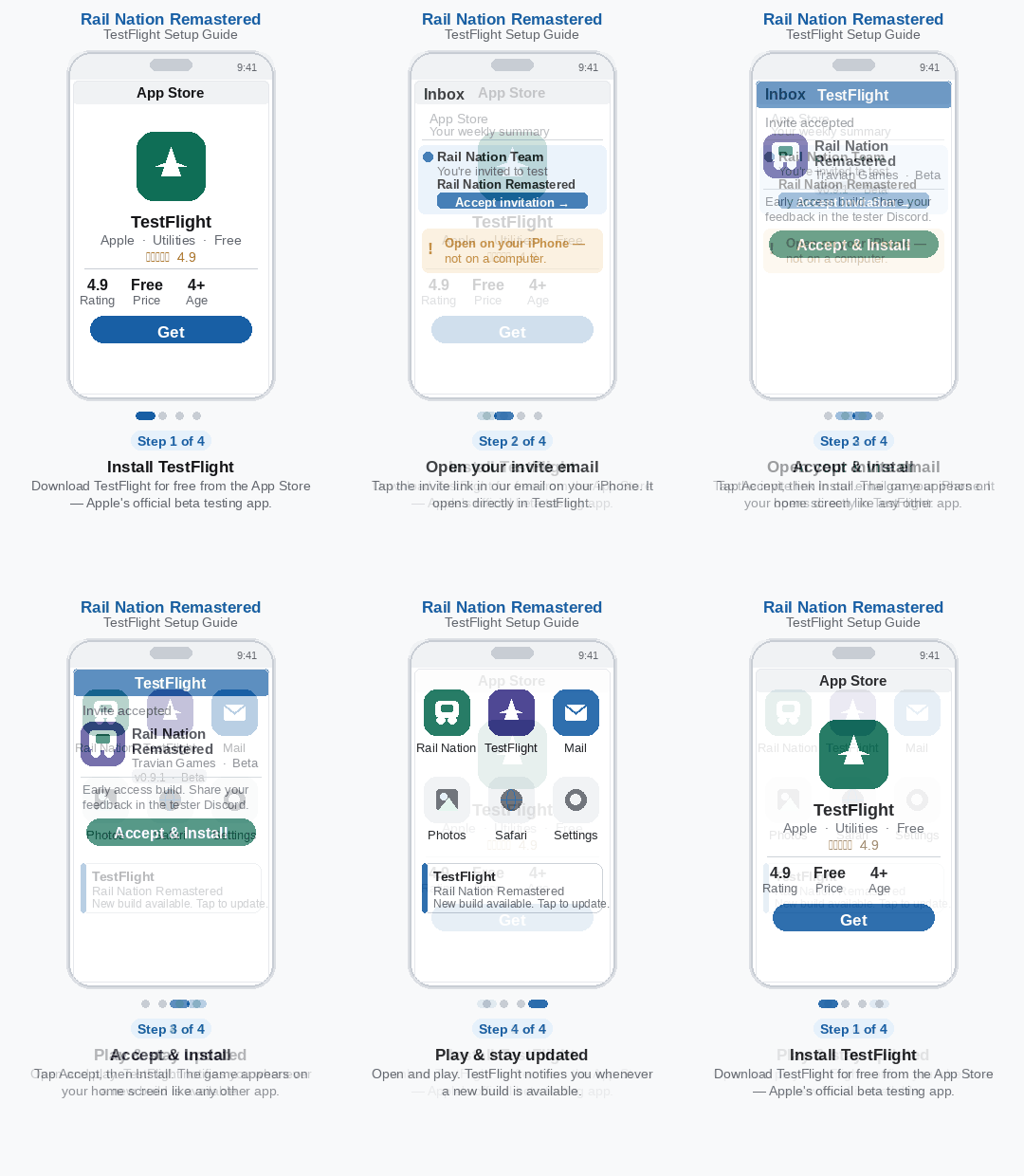
Step 1 — Install TestFlight
TestFlight is Apple's official app for beta testing. It's free and available on the App Store.
→ Download TestFlight on the App Store
If you already have TestFlight installed, you can skip this step.
Step 2 — Accept Your Invite
Once accepted into the playtest, you'll receive an email from us containing a personal invite link. Open that email on your iPhone and tap the link — it will open directly in TestFlight.
Make sure you open the link on your iPhone, not on a desktop or another device.
Step 3 — Install the Game
In TestFlight, tap Accept, then tap Install. Rail Nation Remastered will download and appear on your home screen like any regular app.
Step 4 — Play & Update
Open the game from your home screen and you're in. When a new build is available during the playtest, TestFlight will notify you and you can update directly inside the app.
Having trouble? Reach out to the team on Discord - Rail Nation Remastered Channel - and we'll help you get sorted.